Quality Control Limits Enrichment
Description
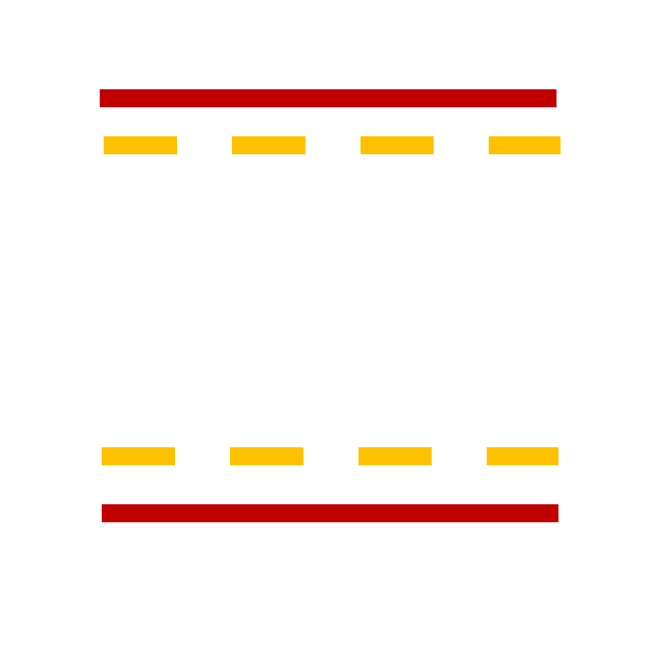
The Quality Control Limits Enrichment processor appends user-defined control and warning limits to incoming events. These limits can be used in quality control charts to monitor sensor values.
Required Input
This processor works with any event stream. It adds predefined limit values to the events, which are later used for quality control purposes.
Configuration
Upper Control Limit
Specify the upper control limit for the quality control process. This value defines the maximum threshold for acceptable process behavior.
Upper Warning Limit
Specify the upper warning limit for the quality control process. This value indicates when the process is approaching the upper control limit.
Lower Warning Limit
Specify the lower warning limit for the quality control process. This value indicates when the process is approaching the lower control limit.
Lower Control Limit
Specify the lower control limit for the quality control process. This value defines the minimum threshold for acceptable process behavior.
Output
The processor appends the specified control and warning limits to each input event. These enriched events can be used in downstream processing to create quality control charts or other monitoring tools.
Example
User Configuration
- Upper Control Limit:
80.0 - Upper Warning Limit:
70.0 - Lower Warning Limit:
30.0 - Lower Control Limit:
20.0
Input Event
{
  "timestamp": 1627891234000,
  "temperature": 65.0
}
Output Event
{
  "timestamp": 1627891234000,
  "temperature": 65.0,
  "upperControlLimit": 80.0,
  "upperWarningLimit": 70.0,
  "lowerWarningLimit": 30.0,
  "lowerControlLimit": 20.0
}