Numeric Rounding
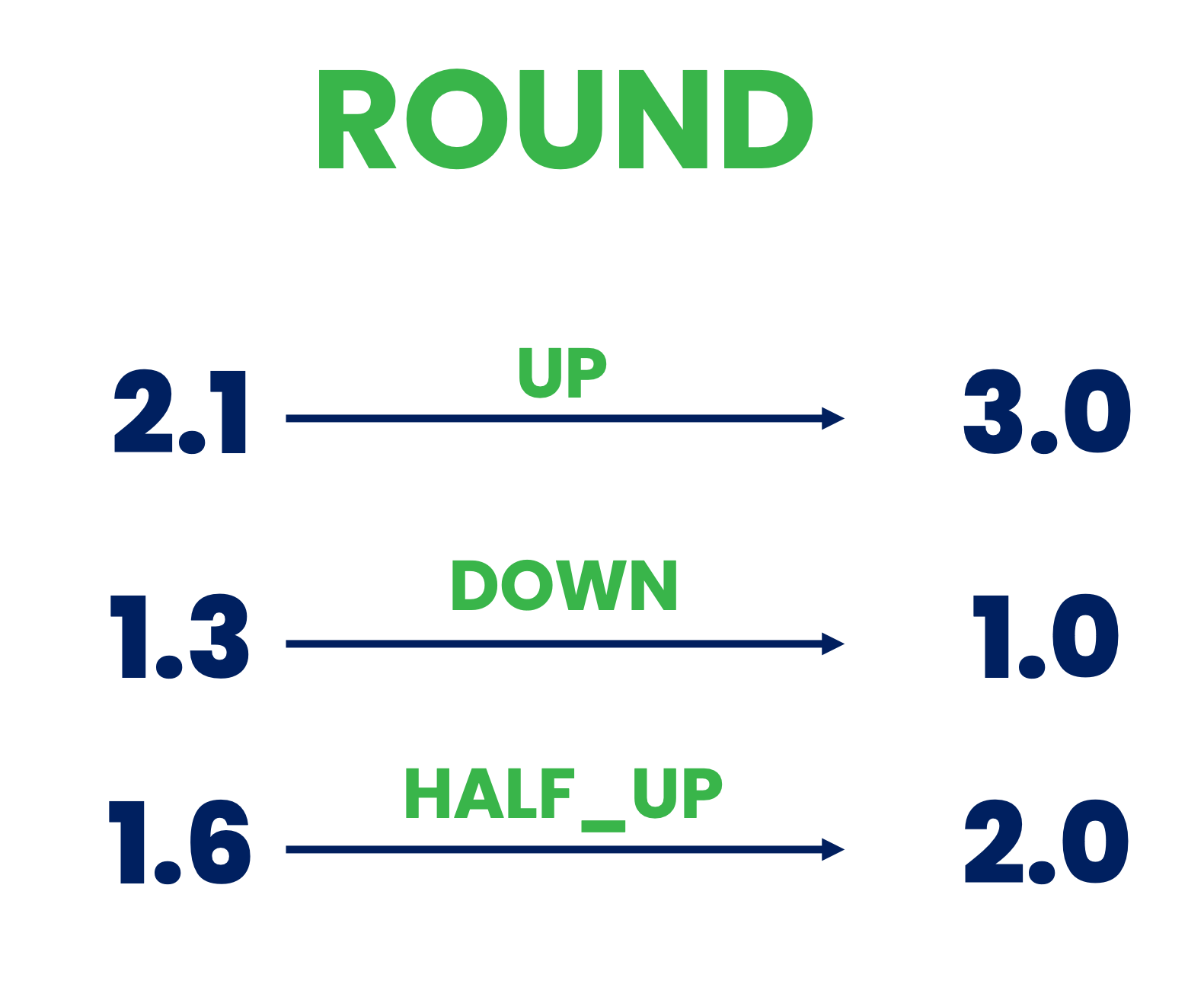
Description
This processor rounds numeric values to the given decimal places. It supports multiple rounding strategies.
Required input
This processor requires an event that provides numerical properties.
Configuration
Fields to Be Rounded
Select which fields of the event should be rounded.
Number of Digits
Specify the number of digits after the decimal point to round/keep, e.g., if number is 2.8935 and 'digits' is 3, the result will be 2.894.
Mode of Rounding
Specify the mode of rounding. Supported rounding modes:
UP: Rounding mode to round away from zero. Always increments the digit prior to a non-zero discarded fraction. Note that this rounding mode never decreases the magnitude of the calculated value.DOWN: Rounding mode to round towards zero. Never increments the digit prior to a discarded fraction (i.e., truncates). Note that this rounding mode never increases the magnitude of the calculated value.CEILING: Rounding mode to round towards positive infinity. If the result is positive, behaves as forUP; if negative, behaves as forDOWN. Note that this rounding mode never decreases the calculated valueFLOOR: Rounding mode to round towards negative infinity. If the result is positive, behave as forDOWN; if negative, behave as forUP. Note that this rounding mode never increases the calculated value.HALF_UP: Rounding mode to round towards "nearest neighbor" unless both neighbors are equidistant, in which case round up. Behaves as forUPif the discarded fraction is ≥ 0.5; otherwise, behaves as forDOWN.HALF_DOWN: Rounding mode to round towards "nearest neighbor" unless both neighbors are equidistant, in which case round down. Behaves as forUPif the discarded fraction is > 0.5; otherwise, behaves as forDOWN.HALF_EVEN: Rounding mode to round towards the "nearest neighbor" unless both neighbors are equidistant, in which case, round towards the even neighbor. Behaves as forHALF_UPif the digit to the left of the discarded fraction is odd; behaves as forHALF_DOWNif it's even. Note that this is the rounding mode that statistically minimizes cumulative error when applied repeatedly over a sequence of calculations.
Output
The output of this processor is the same event with the fields selected by the Fiels to Be Rounded parameter rounded
to Number of Digits digits.