Datetime From String
Description
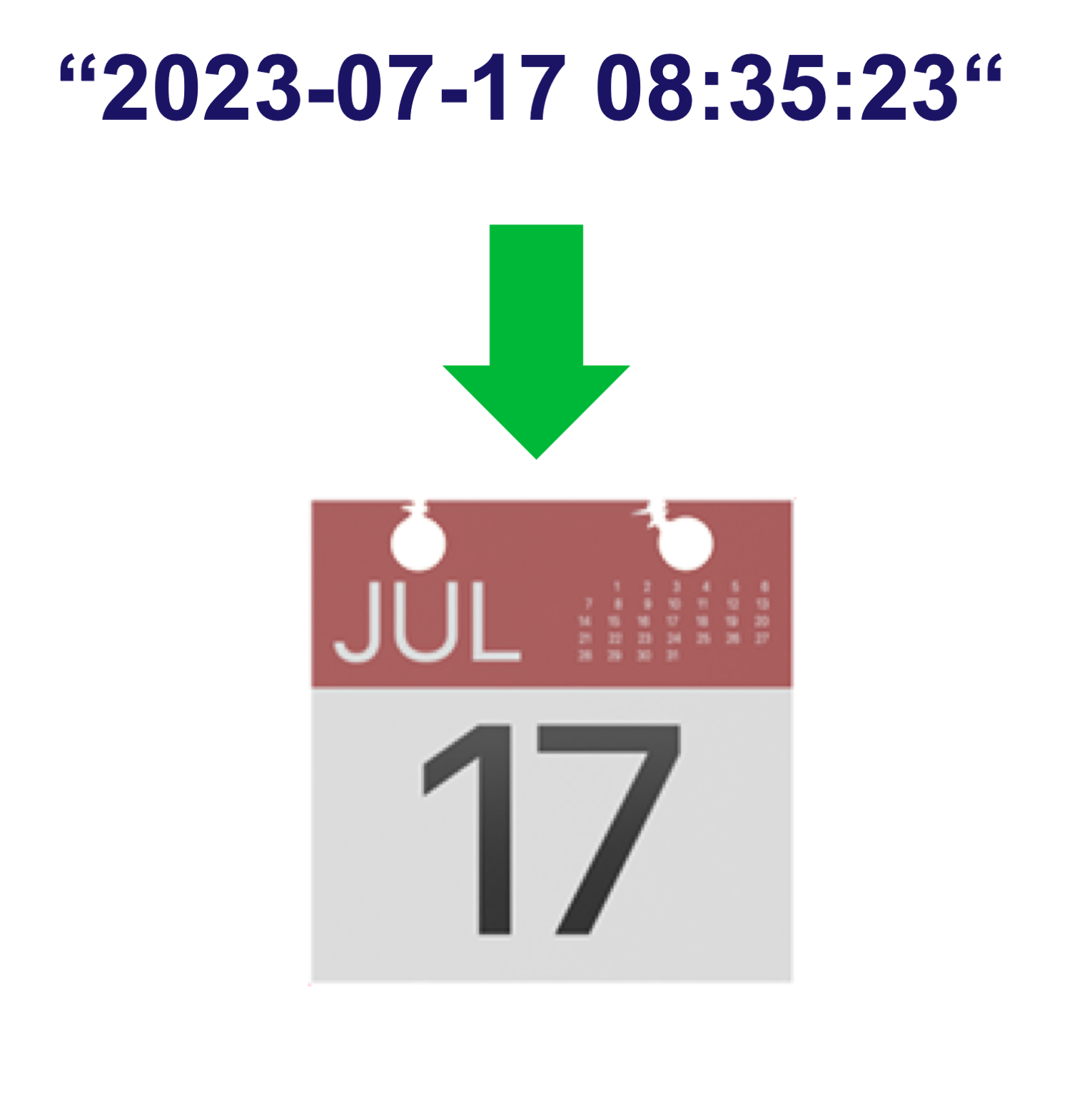
The Datetime From String processor converts string timestamps into millisecond timestamps. It supports:
- ISO 8601 format parsing
- Timezone handling
- String to millisecond conversion
- Automatic timezone application
This processor is essential for:
- Converting timestamps to milliseconds
- Standardizing date formats
- Handling timezone conversions
- Processing ISO 8601 dates
Required input
The processor requires a data stream containing at least one string field with a timestamp in ISO 8601 format.
Configuration
DateTime String
Select the field containing the timestamp string. The string should be in ISO 8601 format (e.g., '2023-11-29T18:30:22' or '2023-11-29T18:30:22+01:00').
Time Zone
Select the timezone for the input timestamp. This is used when the timestamp string doesn't include timezone information. If the input string already contains timezone information, this setting is ignored.
Output
The processor creates a new event containing:
- All original fields from the input event
- A new field named "timestringInMillis" containing the timestamp in milliseconds since epoch
- A new field named "timeZone" containing the selected timezone
Example
Input Event
{
  "deviceId": "sensor01",
  "timestamp": "2023-11-29T18:30:22",
  "value": 23.5
}
Configuration
- DateTime String: timestamp
- Time Zone: UTC
Output Event
{
  "deviceId": "sensor01",
  "timestamp": "2023-11-29T18:30:22",
  "value": 23.5,
  "timestringInMillis": 1701279022000,
  "timeZone": "UTC"
}
Use Cases
-
Data Standardization
- Convert timestamps to milliseconds
- Standardize date formats
- Handle timezone conversions
- Process ISO 8601 dates
-
System Integration
- Map timestamps to milliseconds
- Convert between timezones
- Standardize date formats
- Process time-based data
Notes
- Input must be in ISO 8601 format
- Timezone in input string takes precedence over selected timezone
- Invalid formats will cause processing errors
- Processing is stateless
- Output is always in milliseconds since epoch