Numeric Rounding
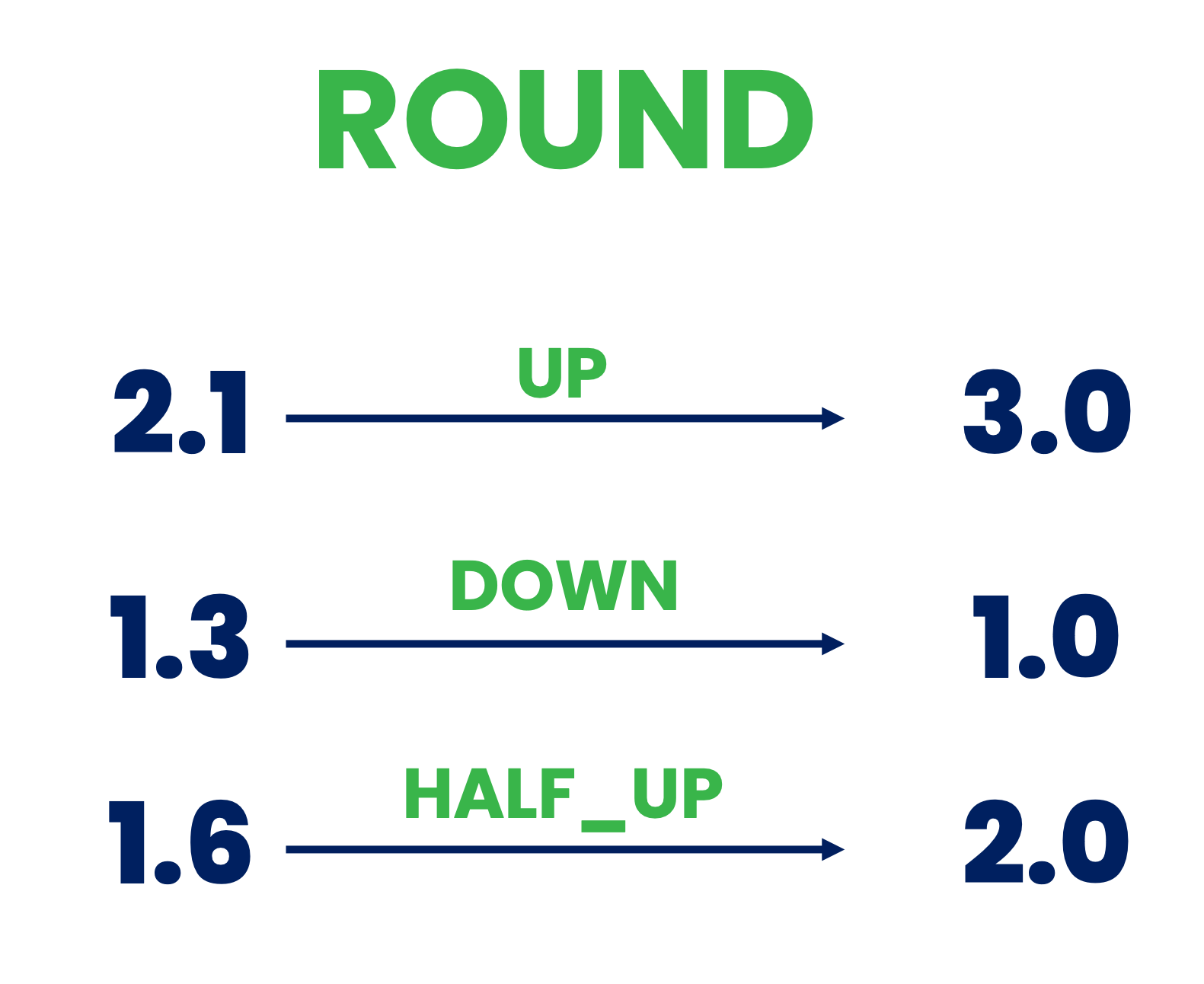
Description
The Number Rounder processor provides precise control over the decimal places in numerical data by applying various rounding strategies. This is essential for:
- Ensuring consistent precision across numerical data
- Reducing noise in measurements
- Improving data readability
- Meeting specific business or technical requirements for numerical precision
- Standardizing numerical outputs for downstream processing
Required input
This processor requires an event that contains one or more numerical properties (integers or floating-point numbers).
Configuration
Fields to Be Rounded
Select which numerical fields in the event should be rounded. Multiple fields can be selected, and each will be rounded according to the same configuration.
Number of Digits
Specify the number of decimal places to keep after rounding. This determines the precision of the output:
- Positive values (e.g., 2): Keep that many decimal places
- Zero (0): Round to whole numbers
- Negative values (e.g., -2): Round to tens, hundreds, etc.
Examples:
- Input: 2.8935, Digits: 3 → Output: 2.894
- Input: 2.8935, Digits: 2 → Output: 2.89
- Input: 2.8935, Digits: 0 → Output: 3
- Input: 285.8935, Digits: -2 → Output: 300
Mode of Rounding
Select the rounding strategy to use. Each mode handles rounding differently, especially around the midpoint between two numbers:
-
UP
- Always rounds away from zero
- 3.1 → 4, -3.1 → -4
- Use when you need to ensure the result is never smaller in magnitude
-
DOWN
- Always rounds toward zero (truncates)
- 3.7 → 3, -3.7 → -3
- Use when you need to ensure the result is never larger in magnitude
-
CEILING
- Always rounds toward positive infinity
- 3.1 → 4, -3.7 → -3
- Use when you need to ensure the result never decreases
-
FLOOR
- Always rounds toward negative infinity
- 3.7 → 3, -3.1 → -4
- Use when you need to ensure the result never increases
-
HALF_UP (Most common)
- Rounds to nearest number, ties round up
- 3.5 → 4, 3.4 → 3, -3.5 → -4
- Use for standard mathematical rounding
-
HALF_DOWN
- Rounds to nearest number, ties round down
- 3.5 → 3, 3.6 → 4, -3.5 → -3
- Use when ties should be rounded down
-
HALF_EVEN (Banker's Rounding)
- Rounds to nearest number, ties round to even neighbor
- 3.5 → 4, 4.5 → 4, -3.5 → -4
- Use to minimize cumulative rounding errors in large datasets
Output
The processor outputs an event with the same structure as the input, but with the selected numerical fields rounded according to the configuration. All other fields remain unchanged.
Example
Input Event
{
  "sensorId": "temp01",
  "temperature": 23.4567,
  "pressure": 1013.8935,
  "humidity": 45.5000
}
Configuration
- Fields to Be Rounded: temperature, pressure
- Number of Digits: 2
- Mode of Rounding: HALF_UP
Output Event
{
  "sensorId": "temp01",
  "temperature": 23.46,
  "pressure": 1013.89,
  "humidity": 45.5000
}
Use Cases
- Measurement Data: Standardize precision of sensor readings
- Financial Calculations: Ensure proper decimal handling in monetary values
- Scientific Analysis: Control significant figures in experimental data
- Display Formatting: Prepare numbers for user interfaces
- Data Storage: Optimize numerical precision for storage efficiency