Alarms, events and notifications
Receive OPC UA alarms and events, measure how long states last, and send a message to the right channel when something changes.
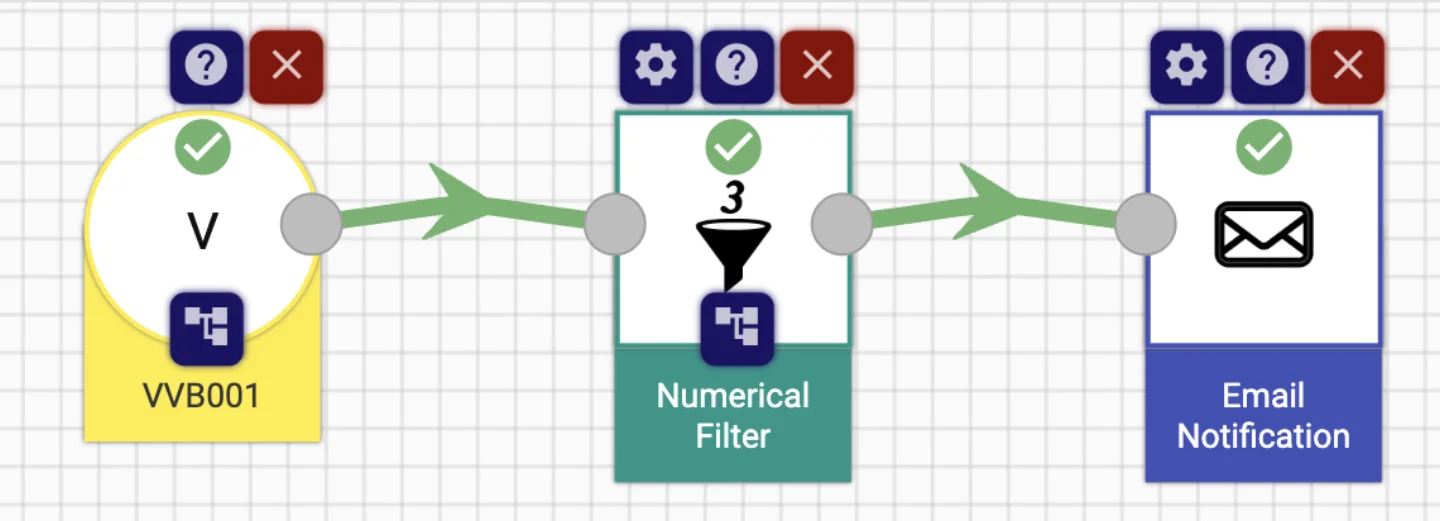
The situation
Alarm lists live in the SCADA system and rarely reach the people on the phone. Nobody can say how long a machine stood still last week, or how often a warning came back.
StreamPipes subscribes to OPC UA alarm and condition events, turns them into a stream, measures durations and counts, and sends messages to chat and email. The history ends up in a dataset you can look at later.
How it works in StreamPipes
- 1
Receive events
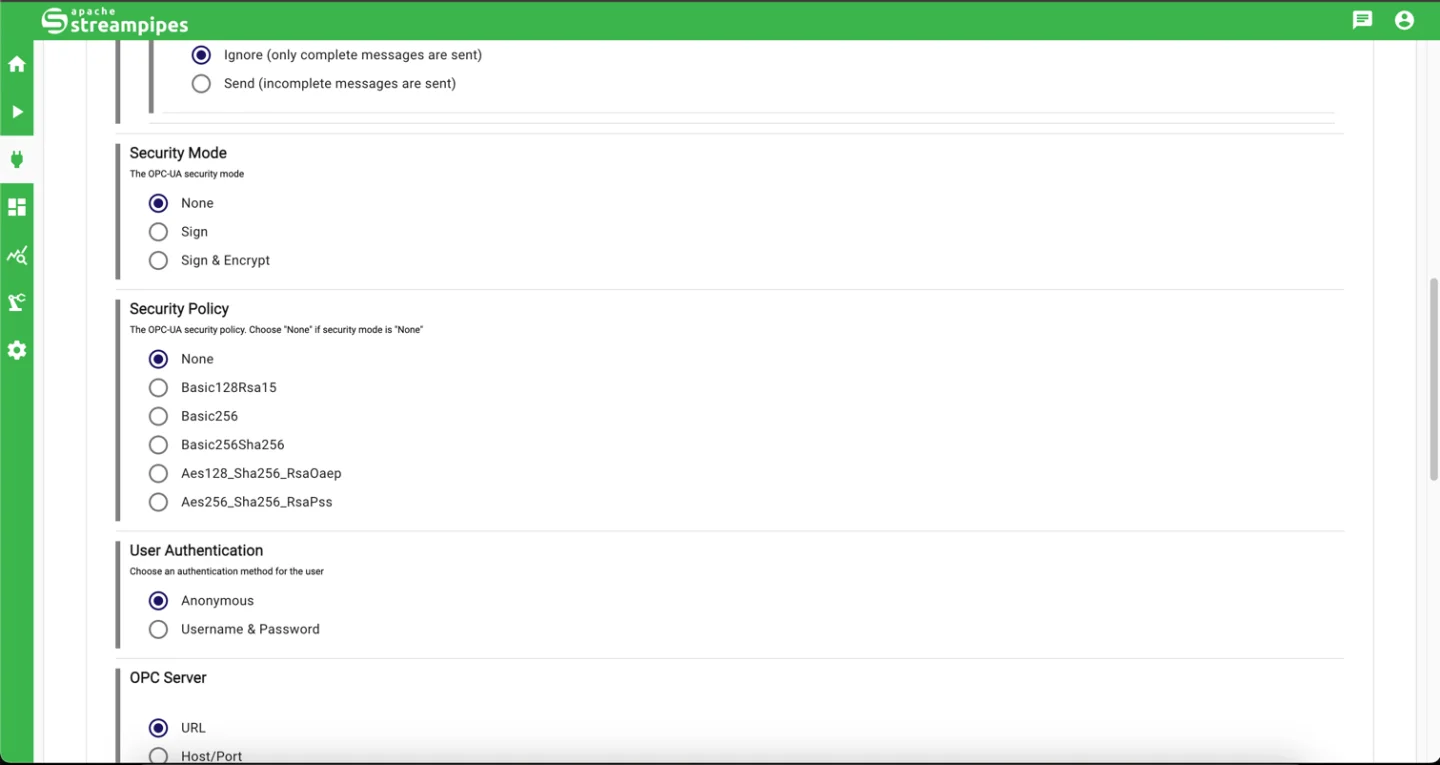
The OPC UA Events adapter subscribes to alarms and conditions and emits a flat event per notification. Choose the event type and the fields you need.
- 2
Measure
Boolean Timer and Boolean Counter processors measure how long a state lasted and how often it occurred.
- 3
Notify
Route events by severity to Slack, Microsoft Teams, email or Telegram sinks. Filters keep noise out of the channel.
- 4
Review
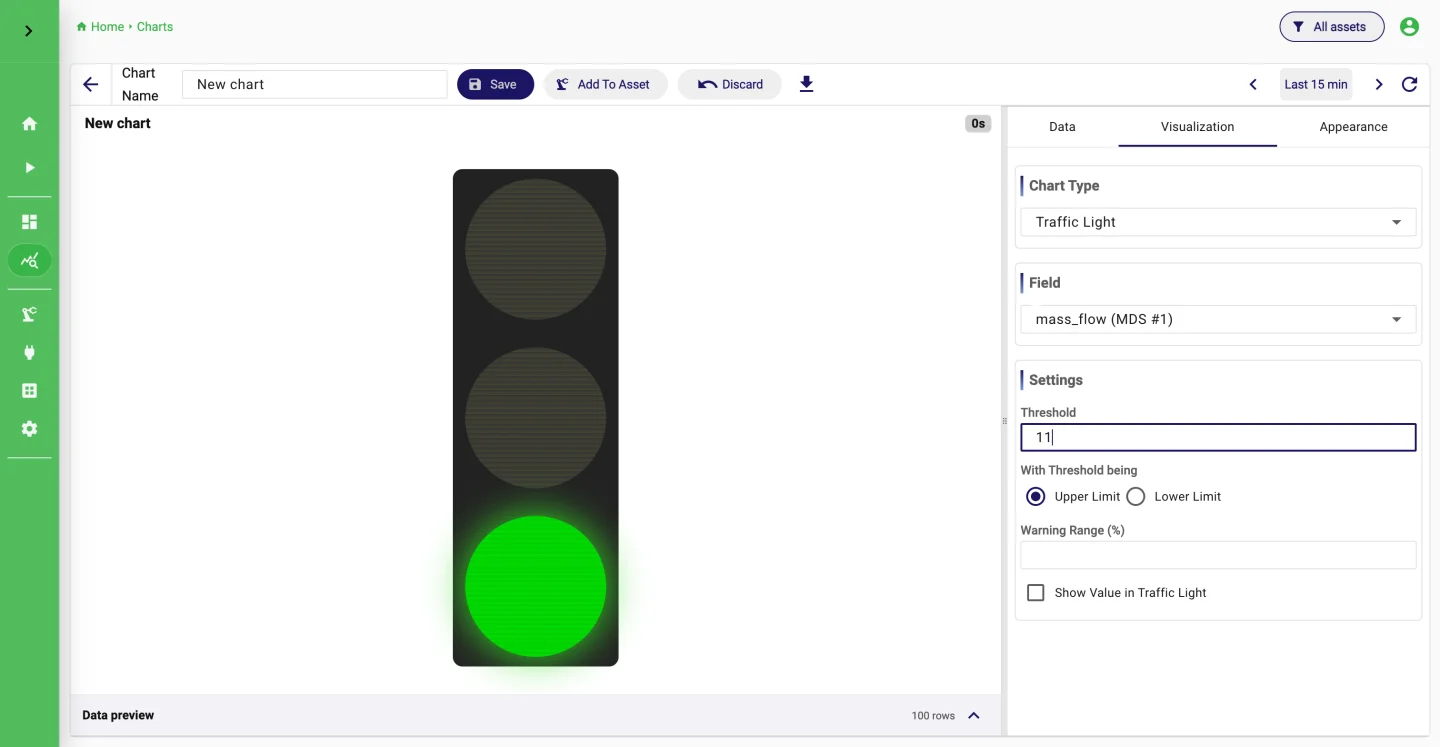
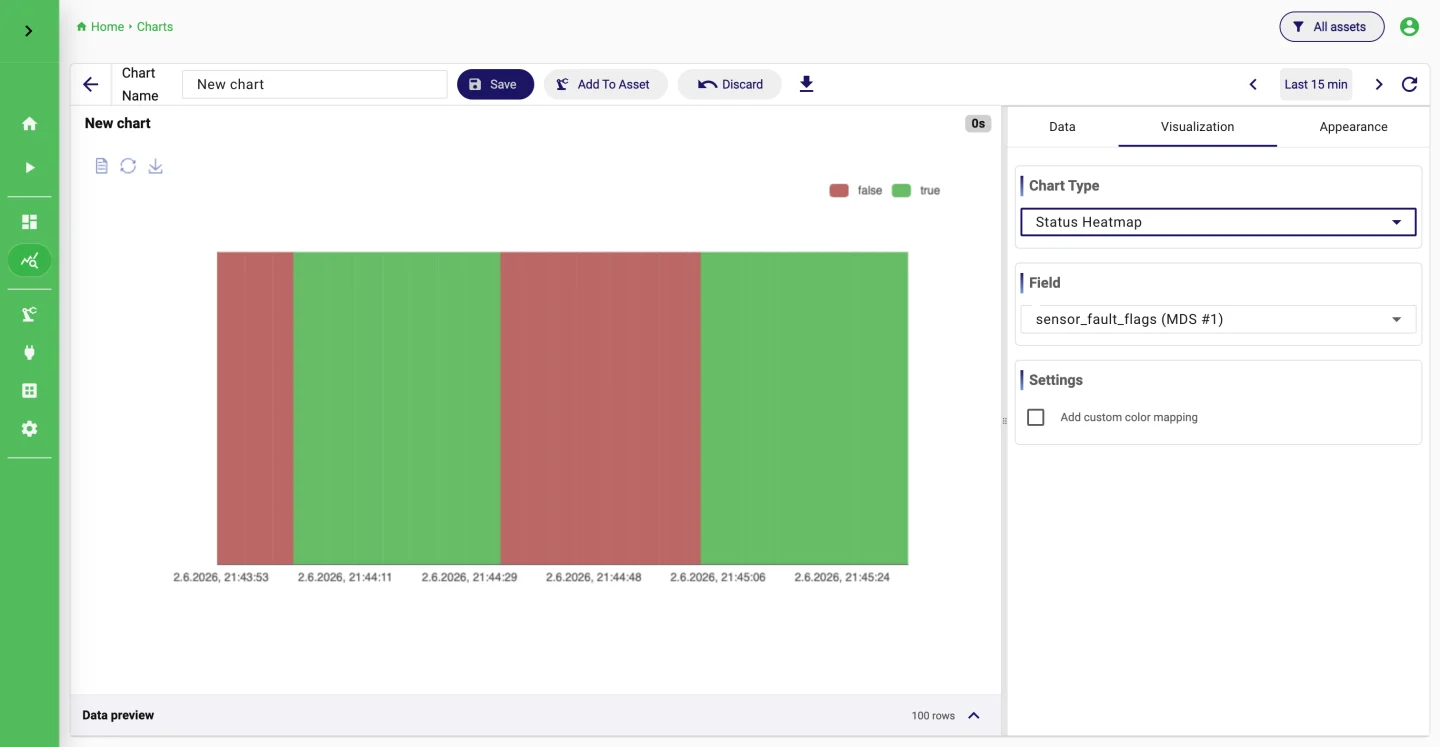
Persist events as a dataset and use status and traffic-light charts on dashboards to review alarm patterns.
What it looks like
Extensions used
All of these come with the standard installation.
- OPC UA Events
- WinCC Alarm Archive
- Boolean Timer
- Boolean Counter
- Slack Notification
- Telegram Publisher
- Dataset
Go deeper
Try it on your machine.
One command starts StreamPipes with Docker. The quickstart takes you from there to a first dashboard.
mkdir -p streampipes-0.98.0 && cd streampipes-0.98.0 \
  && curl -fsSLO https://raw.githubusercontent.com/apache/streampipes/0.98.0/installer/compose/docker-compose.yml \
  && curl -fsSLO https://raw.githubusercontent.com/apache/streampipes/0.98.0/installer/compose/.env \
  && docker compose up -d