Alarm history from WinCC
Read the alarm archives a Siemens WinCC system writes, turn them into a stream, and find out which alarms keep coming back and how long they stay active.
The situation
WinCC keeps its alarm history in CSV archives on the SCADA server. The data is there, but reading it means copying files around and writing a parser that survives the circular log rotating underneath it. So the history stays where it is, and questions like "how often did this alarm fire last month" get answered from memory.
The WinCC Alarm Archive adapter reads those files directly, single archive or segmented circular log, and emits one event per alarm. From there it is an ordinary stream: you can count, time, store and chart it like any other data in StreamPipes.
How it works in StreamPipes
- 1
Point the adapter at the archive
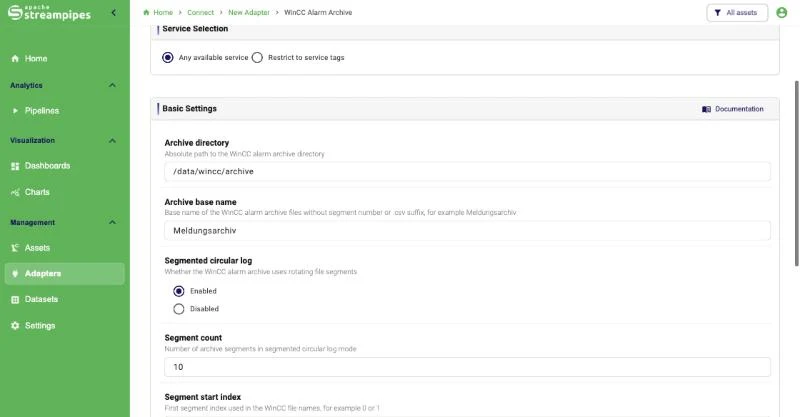
Enter the archive directory, the base name such as Meldungsarchiv, and whether WinCC writes a segmented circular log. Set the timezone of the WinCC host so the TimeString column becomes a correct Unix timestamp.
- 2
Replay without duplicates
The adapter fingerprints file content, so a segment that WinCC reuses is read again as a new generation while unchanged copies are skipped. An optional delay between replayed events keeps slower consumers from dropping anything during a large backfill.
- 3
Count and time the alarms
A String Counter counts how often each alarm text appears, a String Timer measures how long an alarm stayed active, and a Task Duration processor tracks the time between state changes.
- 4
Review and share
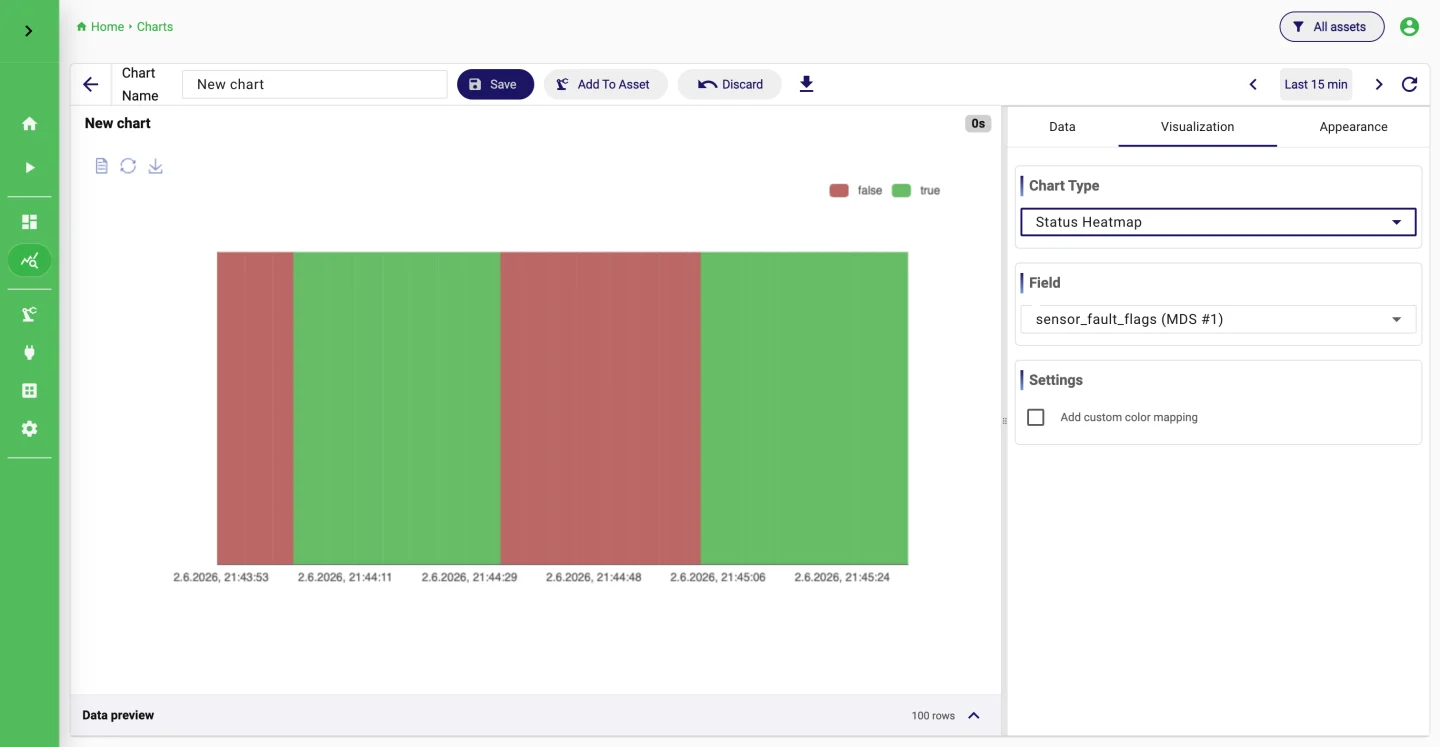
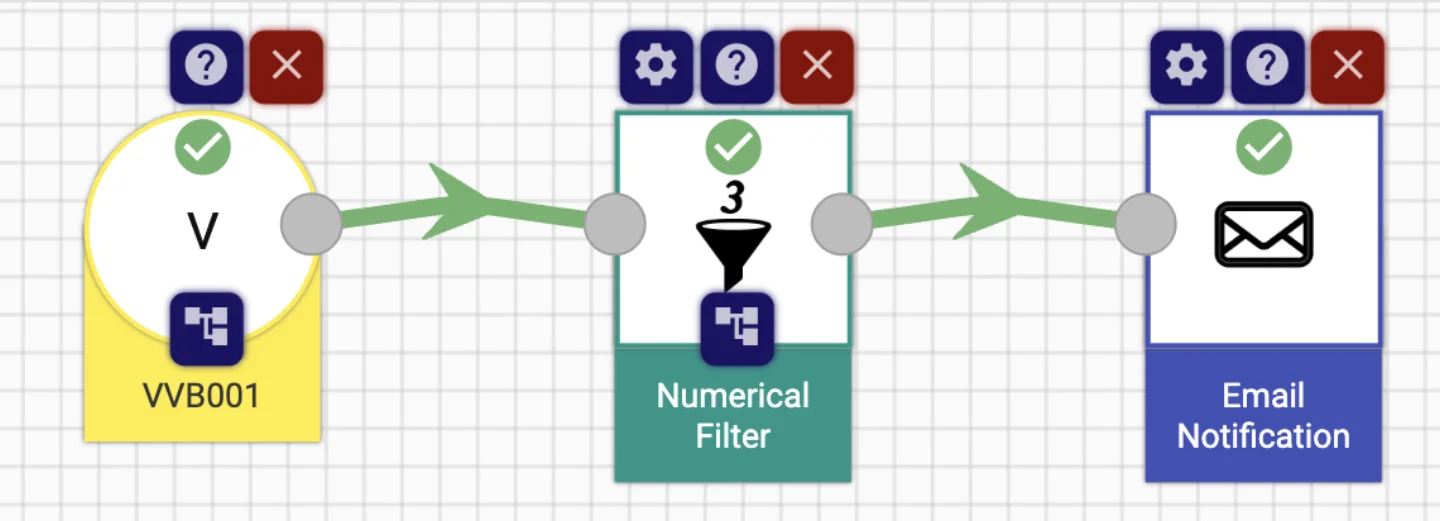
Store the alarm events as a dataset. Status heatmaps show when alarms cluster, and a Slack or Teams sink forwards the ones that matter to the people on shift.
What it looks like
Go deeper
Try it on your machine.
One command starts StreamPipes with Docker. The quickstart takes you from there to a first dashboard.
mkdir -p streampipes-0.98.0 && cd streampipes-0.98.0 \
  && curl -fsSLO https://raw.githubusercontent.com/apache/streampipes/0.98.0/installer/compose/docker-compose.yml \
  && curl -fsSLO https://raw.githubusercontent.com/apache/streampipes/0.98.0/installer/compose/.env \
  && docker compose up -d