MQTT and a unified namespace
Subscribe to the topics your broker already carries, turn raw payloads into typed streams with context, and publish the results back into the namespace.
The situation
A unified namespace puts every signal on an MQTT broker. A topic, though, is just bytes. Someone still has to add types, units and context, and there has to be a place to compute and store derived values.
StreamPipes subscribes to the broker with TLS and authentication, maps the payloads to typed streams, attaches assets and sites, and writes results back as new topics. The namespace gets richer instead of being copied somewhere else.
How it works in StreamPipes
- 1
Subscribe
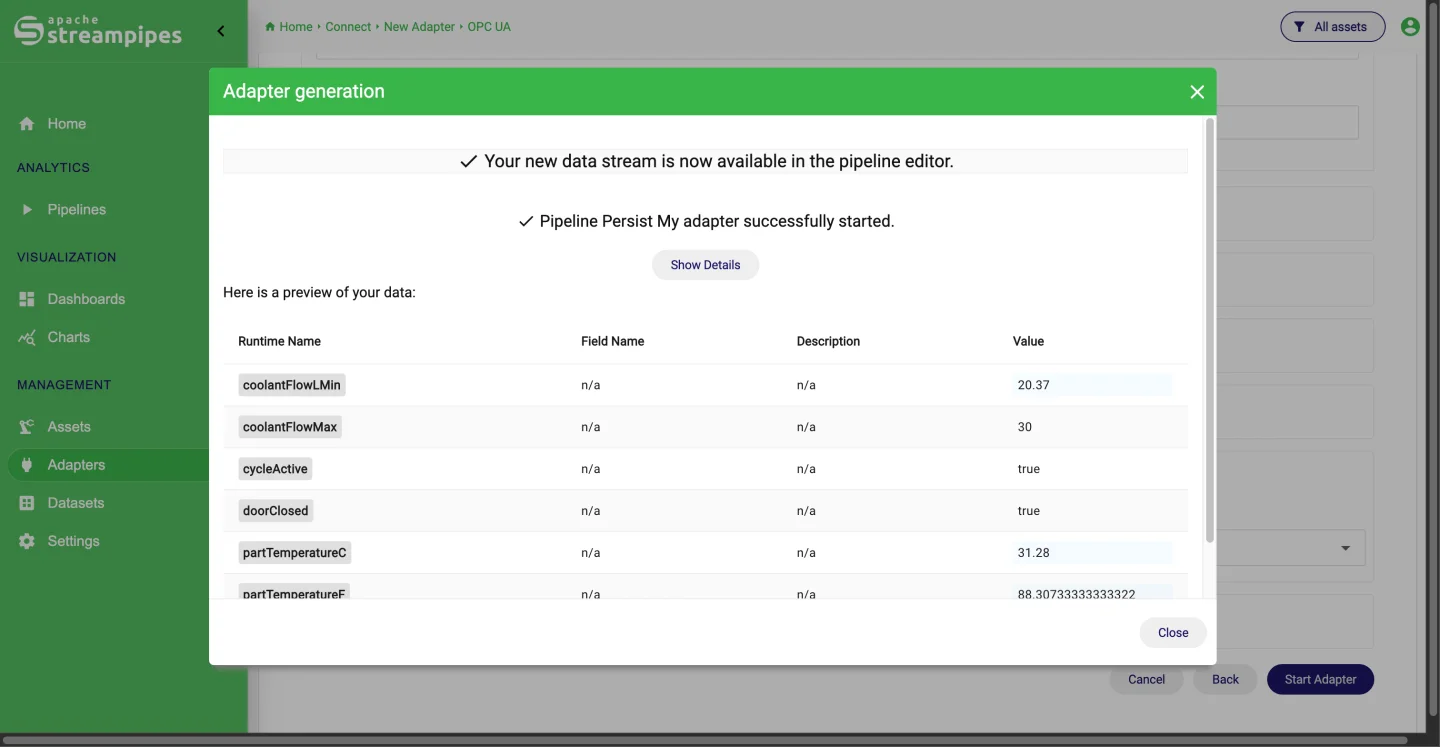
Create an MQTT adapter with the broker URL, credentials or certificates, and the topic. The event preview shows the parsed payload before you commit.
- 2
Add context
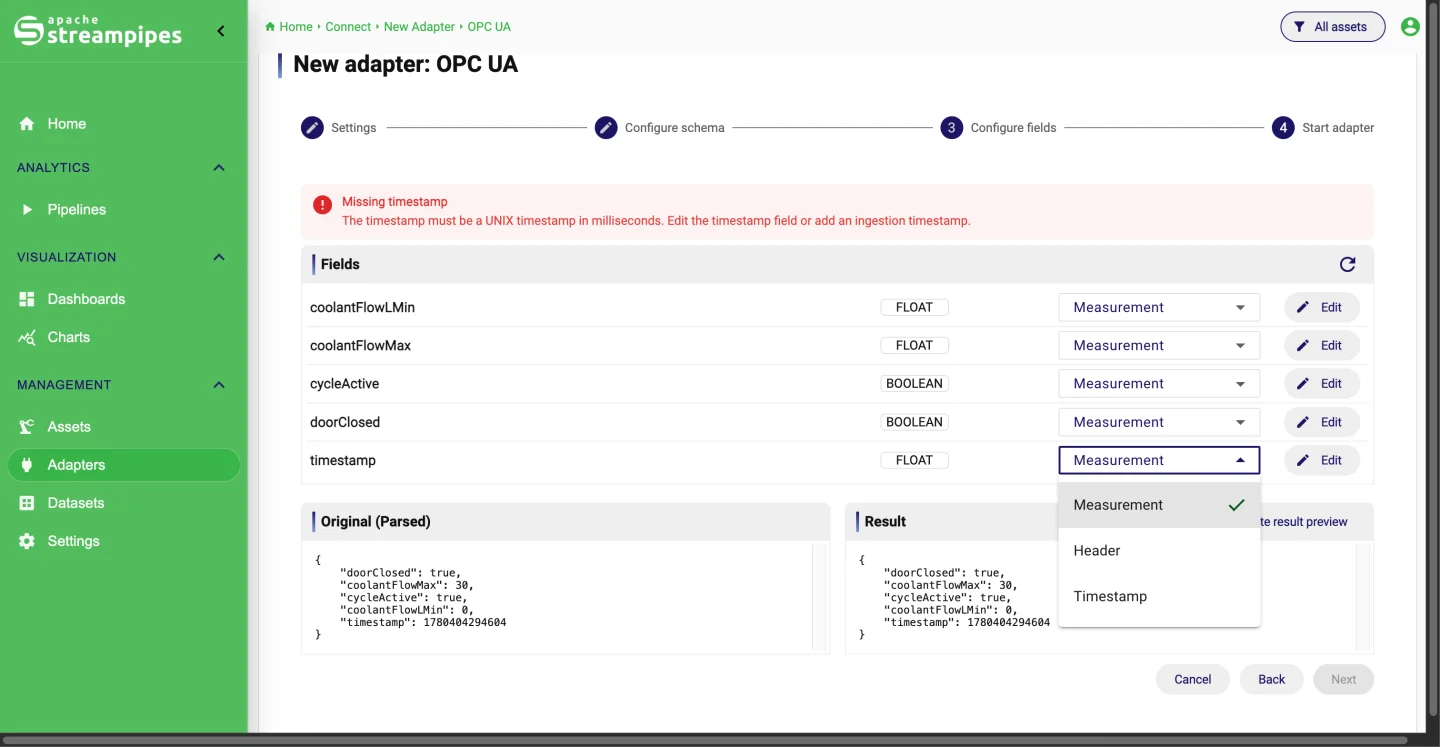
Attach static metadata such as plant and line, map field names to your conventions, and link the stream to an asset.
- 3
Compute and store
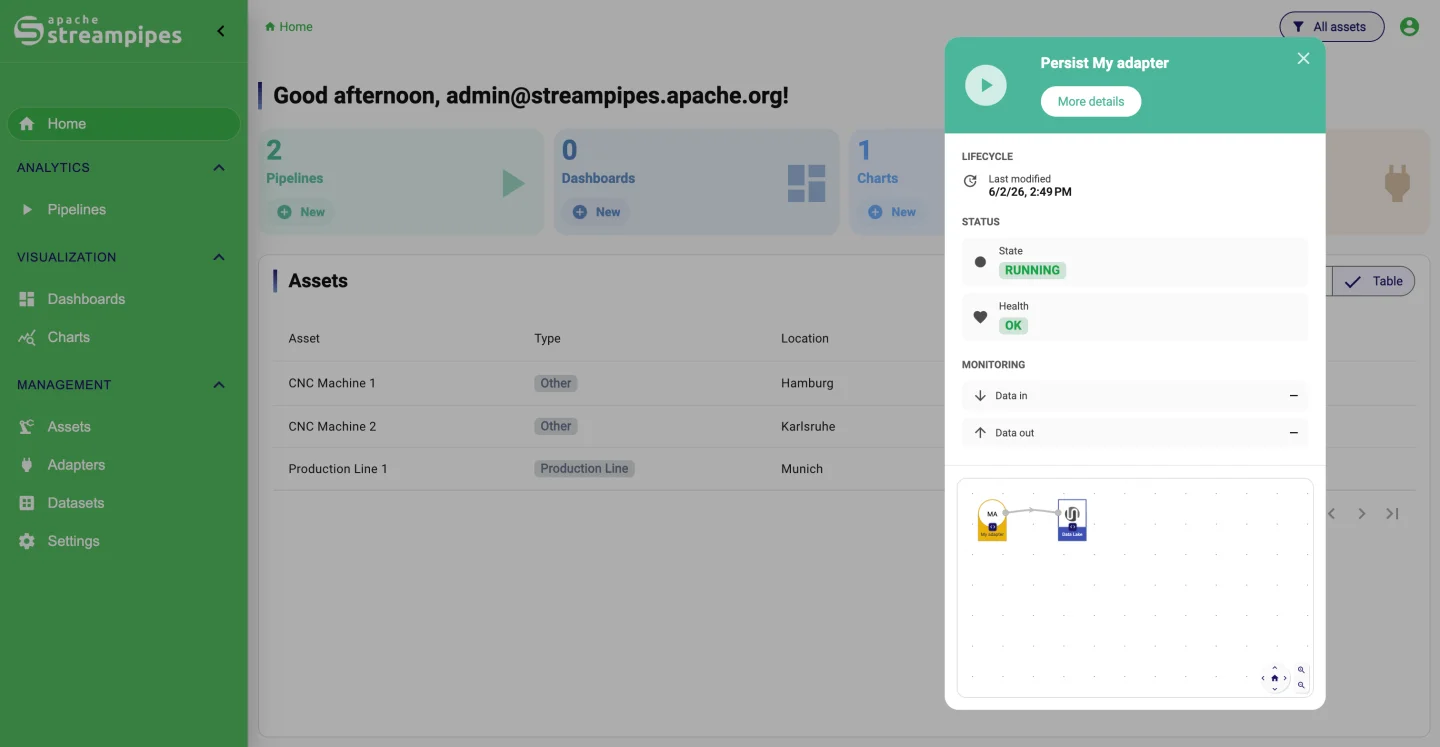
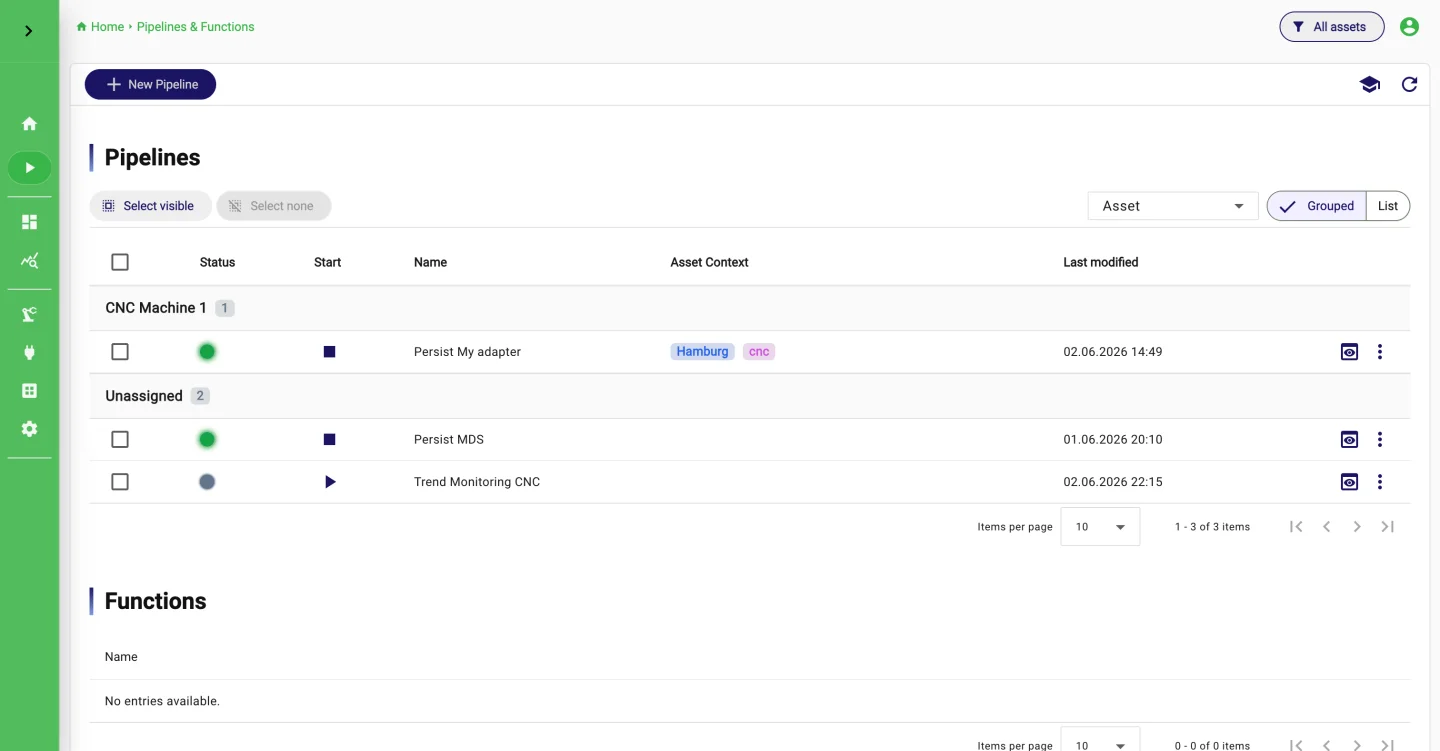
Pipelines aggregate, filter or detect changes on the stream and store the outcome as datasets for charts.
- 4
Publish back
An MQTT Publisher sink writes derived values to new topics, so other systems on the namespace can use them.
What it looks like
Go deeper
Try it on your machine.
One command starts StreamPipes with Docker. The quickstart takes you from there to a first dashboard.
mkdir -p streampipes-0.98.0 && cd streampipes-0.98.0 \
  && curl -fsSLO https://raw.githubusercontent.com/apache/streampipes/0.98.0/installer/compose/docker-compose.yml \
  && curl -fsSLO https://raw.githubusercontent.com/apache/streampipes/0.98.0/installer/compose/.env \
  && docker compose up -d