Anomaly detection with Python Functions
Train a model on a dataset in a notebook, run it on the live stream as a StreamPipes Function, and get the predictions back as a stream.
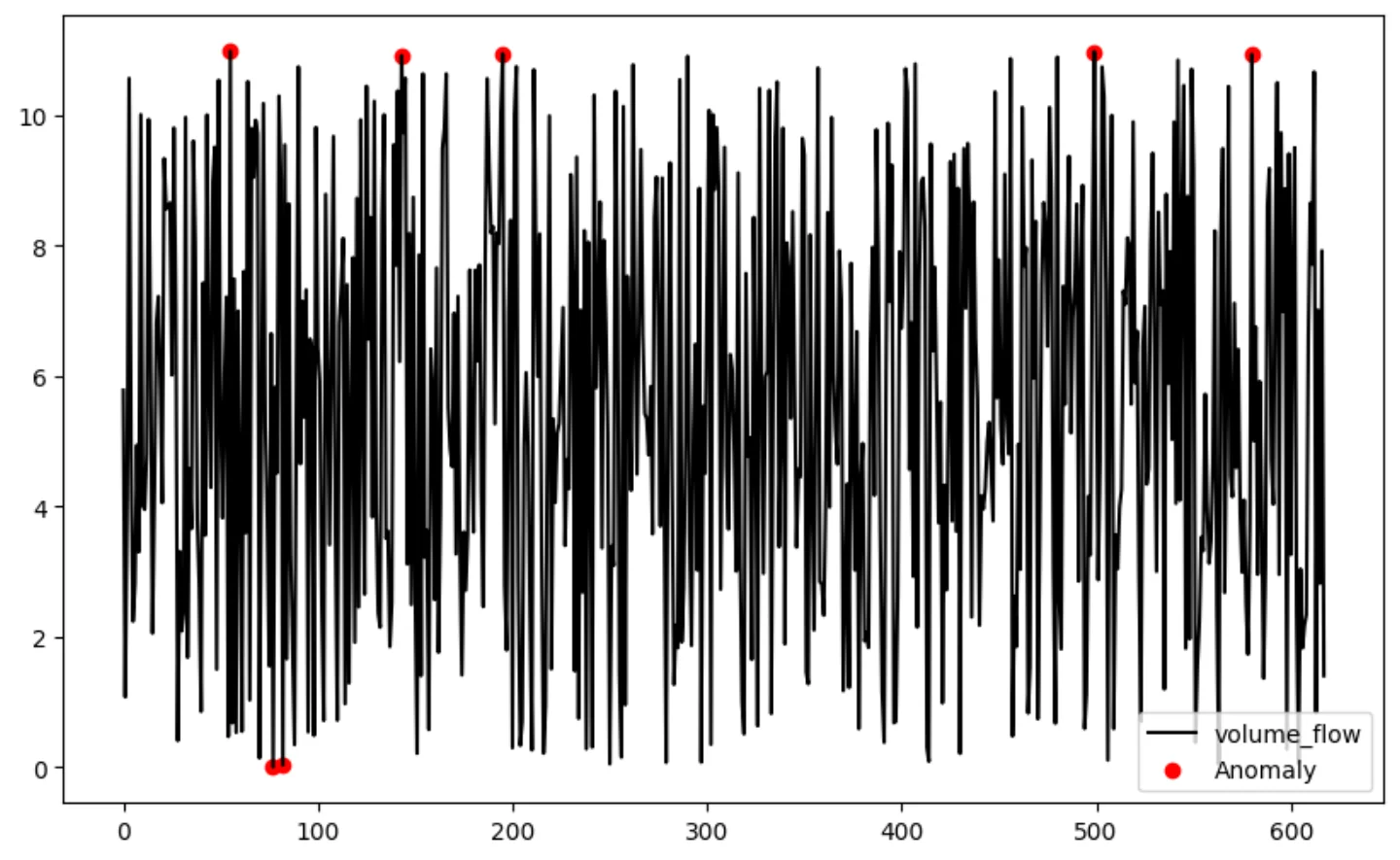
The situation
Data scientists work in Python. Operators look at dashboards. Between a trained model and a running one there is usually glue code, a deployment, and a second data path that nobody wants to own.
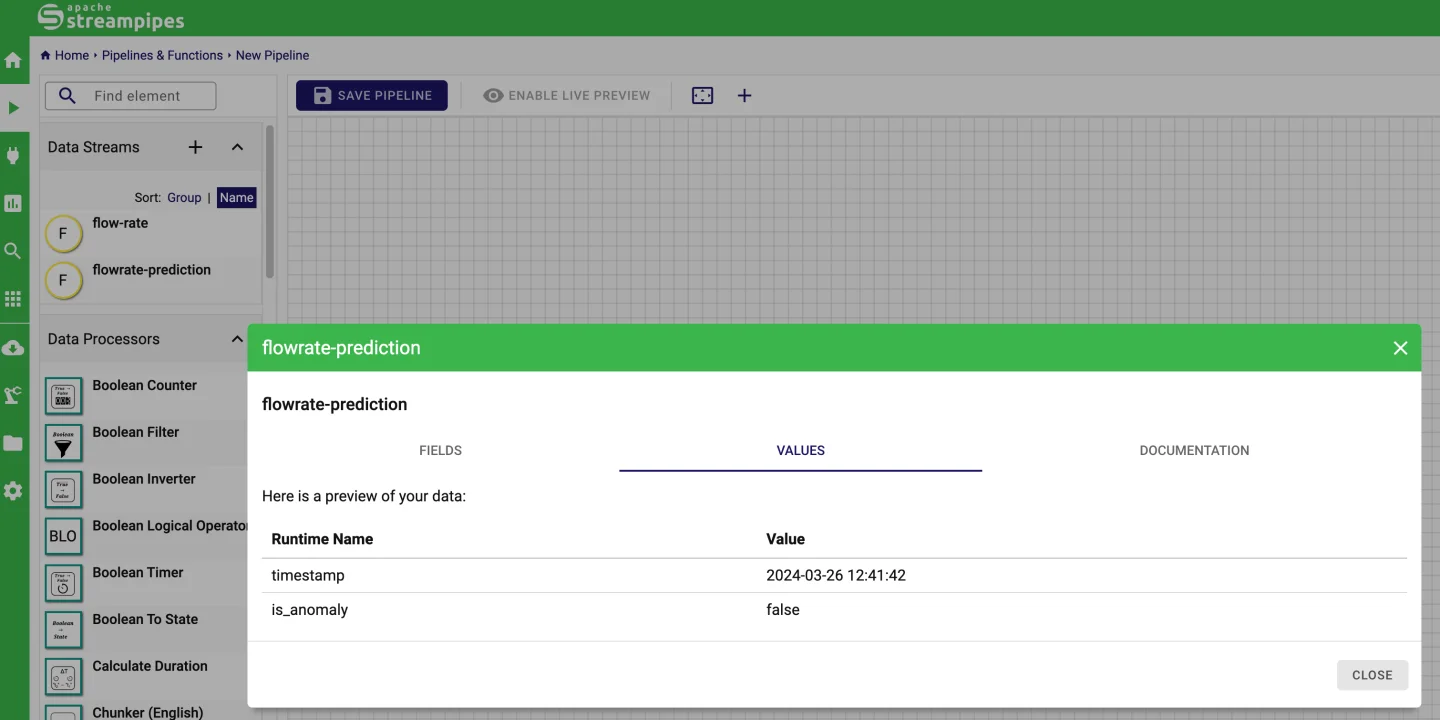
With the Python client, a dataset loads straight into pandas. The same client runs a Function that subscribes to the live stream, scores each event and publishes the result as a new stream, which charts and pipelines can use like any other.
How it works in StreamPipes
- 1
Get the history
Use the Python client to load a dataset into a pandas DataFrame, explore it and train a model, for example with scikit-learn or an ONNX export.
- 2
Write the Function
Subscribe to the live stream in a StreamPipes Function, score events with the model and emit an output stream with the prediction and a flag.
- 3
Run it
Functions run as part of an extension service, so they are started, monitored and restarted like any other component.
- 4
Act on it
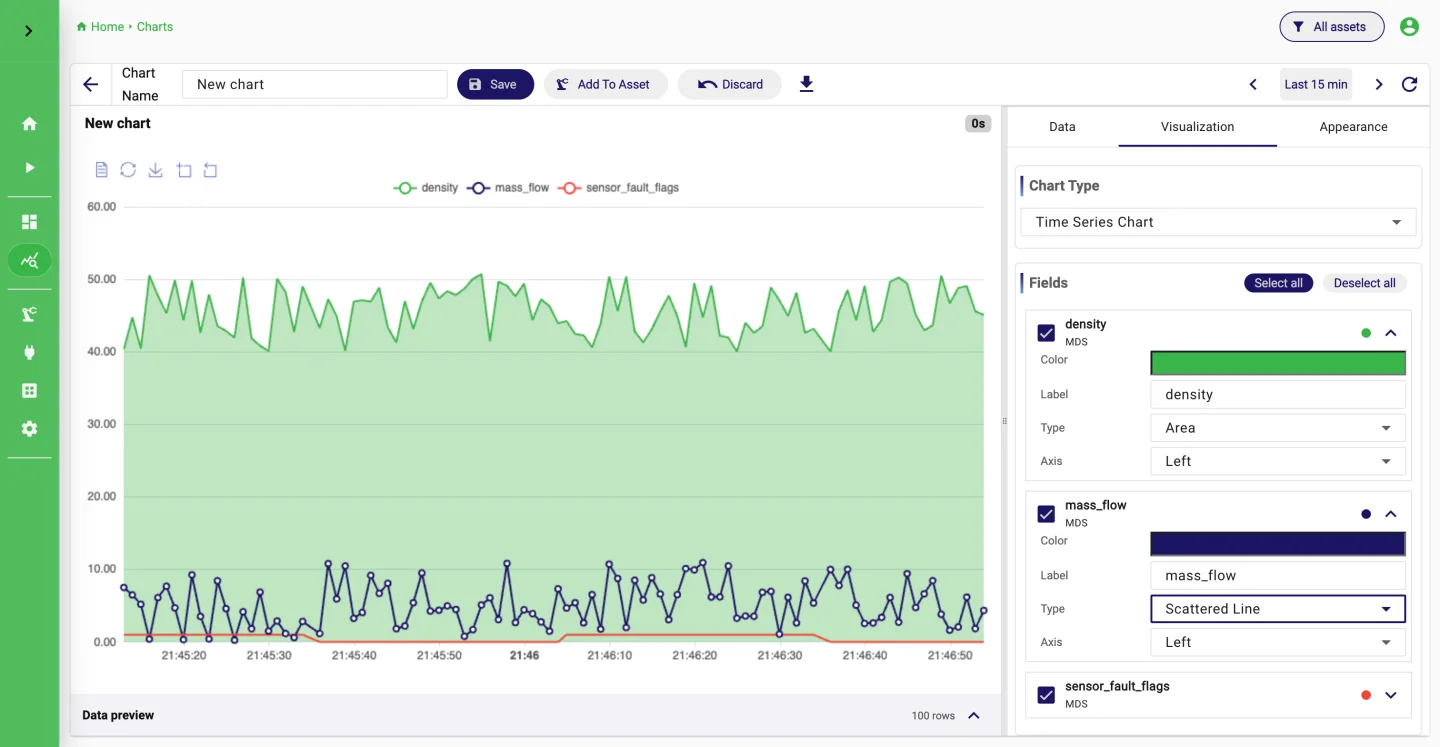
Charts compare predictions with measurements, and a pipeline on the output stream can notify the team or store flagged events.
What it looks like
Go deeper
Try it on your machine.
One command starts StreamPipes with Docker. The quickstart takes you from there to a first dashboard.
mkdir -p streampipes-0.98.0 && cd streampipes-0.98.0 \
  && curl -fsSLO https://raw.githubusercontent.com/apache/streampipes/0.98.0/installer/compose/docker-compose.yml \
  && curl -fsSLO https://raw.githubusercontent.com/apache/streampipes/0.98.0/installer/compose/.env \
  && docker compose up -d